For family cooks
Your family's memories, bound in a cookbook
The recipes and the stories behind them, set in print and ready to give.
30-day money-back guarantee. Cancel anytime.
The recipes and the stories behind them, set in print and ready to give.
30-day money-back guarantee. Cancel anytime.

"When my mom decided to create a memorial cookbook for her mother, she wanted something special: a way to preserve not just recipes, but memories, stories, and family photos. So I built MakeCookbook to bring her vision to life."
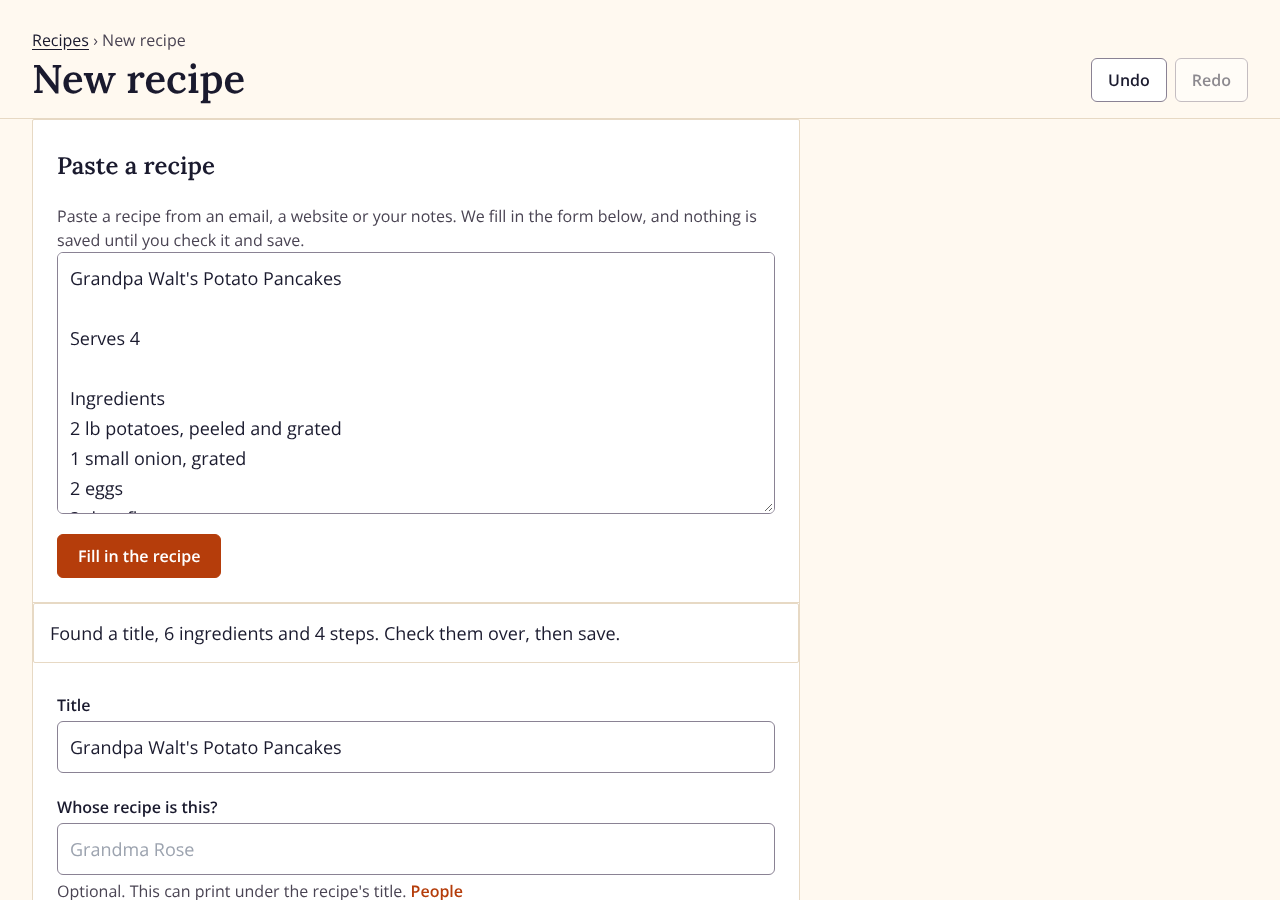
Type them in, or paste one from an email or a note and the ingredients and steps fill in for you. Invite family to add their own.
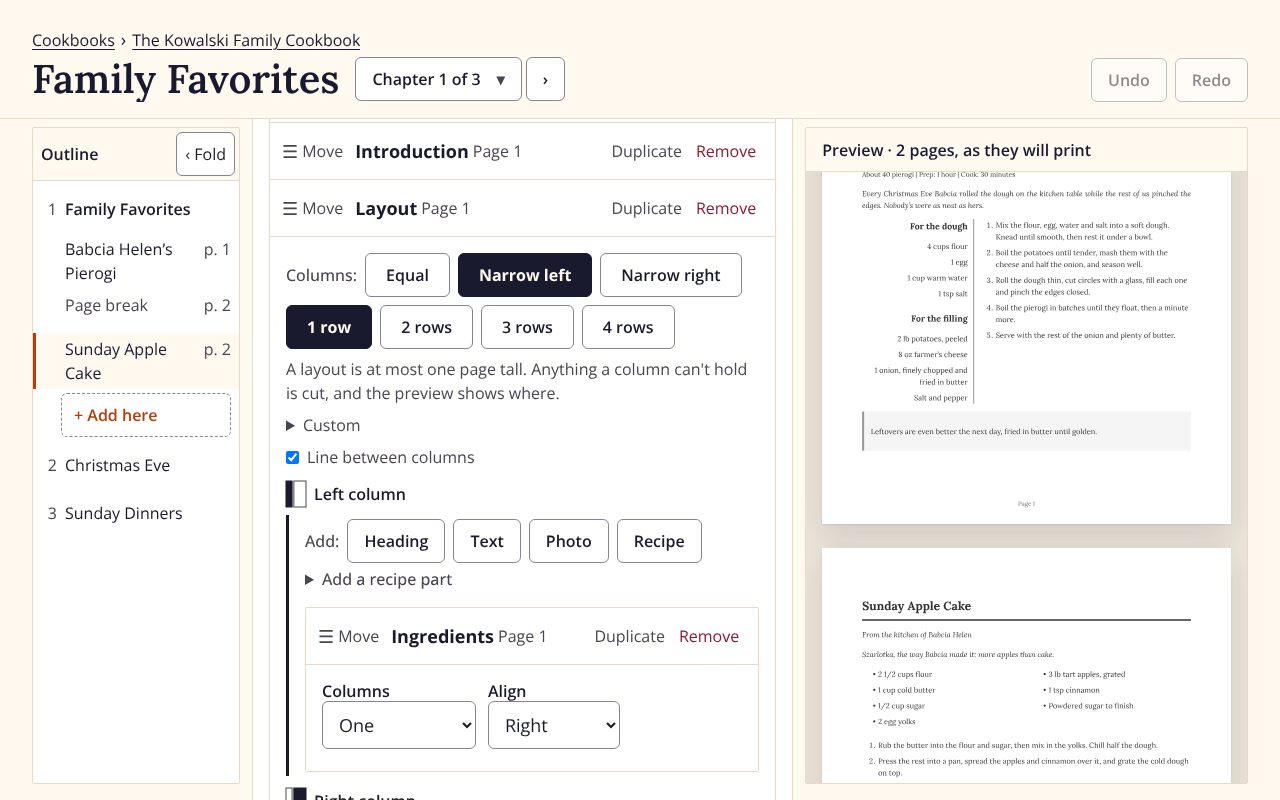
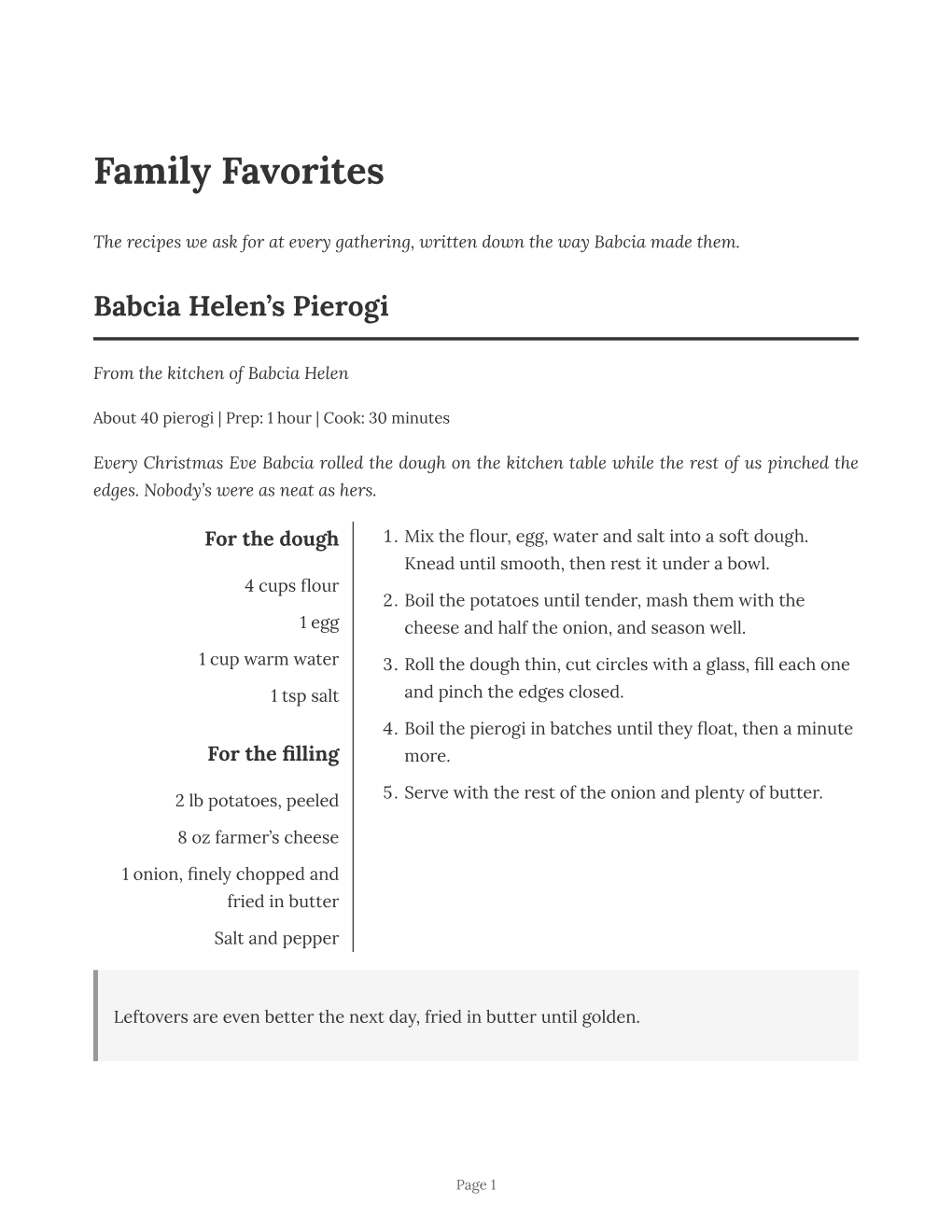
Add stories and photos beside each recipe and arrange everything your way. You see the printed page as you go.
Download the finished book to print at home or at a print shop. It's yours to keep and share however you like.
It's the stories, the photos and the people who made each dish. Everything a family cookbook needs is here.
Add as much text as you need: the history behind a dish, the holidays it belongs to, notes for the next generation.
Size them, caption them and put them exactly where you want. We tell you if a photo is too small to print well.
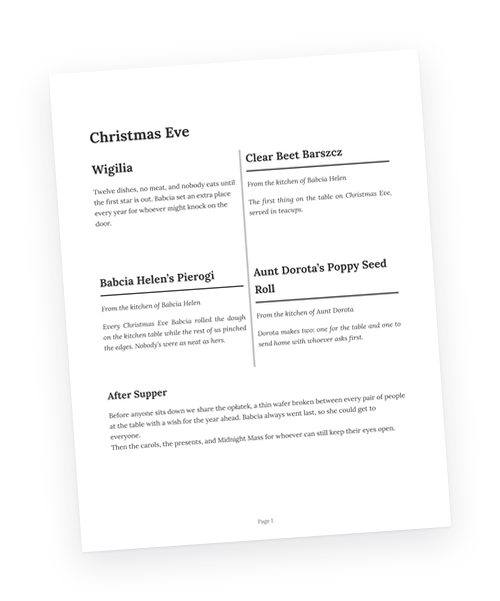
Split a page into columns or a grid and put recipes, photos and stories side by side.
Say whose recipe it is, and their name prints right under the title.
Invite family to add their own recipes and pages while you keep the final say.
Search by an ingredient, a cook or a word from the story, and the recipe you want is right there.
Keep Grandma's recipes and the traditions around them for the next generation.
Make an heirloom →Remember someone you love through the food they made and the stories you share about them.
Make a memorial book →Schools, churches and clubs collect recipes from everyone and keep every dollar.
Start a fundraiser →A personal present for a wedding, a birthday or the holidays.
Give a cookbook →One subscription covers every cookbook you make and every page you download.
$15.00 per month
Billed every month. Cancel anytime.
$100.00 per year
That's $8.33 a month, billed once a year.
30-day money-back guarantee
Yes, you can cancel anytime with no questions asked. Your subscription is managed through Stripe, so you're always in control. Anything you've already downloaded is yours to keep forever.
Not at all! MakeCookbook is designed for everyone. If you can write an email or browse the internet, you can create a beautiful cookbook. It's that simple.
Everything! All features are included at every price: unlimited cookbooks, recipes, and photos, print-ready downloads, family collaboration, and a live preview of every page. There are no per-cookbook fees or hidden charges.
Yes! You can invite family members to add their own recipes and pages. You maintain control over the final cookbook while they contribute their special dishes. Perfect for bringing everyone together!
Turn the recipe cards and scraps of paper into a book your family will keep.
Start your cookbook